

Use cases
HPCXS is one product with four kinds of buyers. Here is what each of them runs on it.
Engineering and CFD
Simulation teams
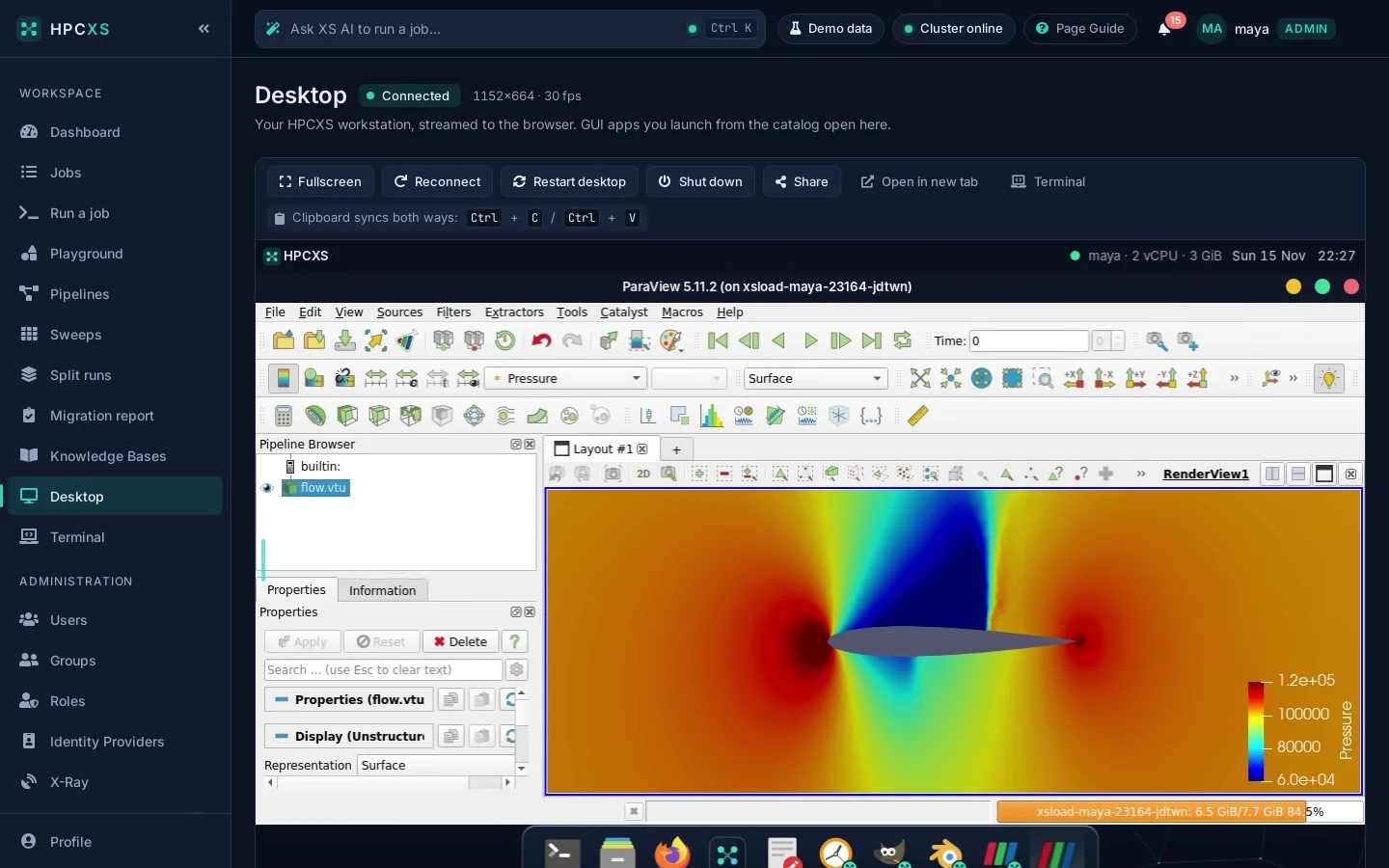
Mesh, solve with MPI on many cores, and look at the result in ParaView, without leaving the browser.
- OpenFOAM and SU2 templates; Ansys Fluent with your own image and license server
- Pipelines chain Mesh → Solve (MPI) → Render → Report with a live graph
- Parameter sweeps run one template over many values and mark the best run
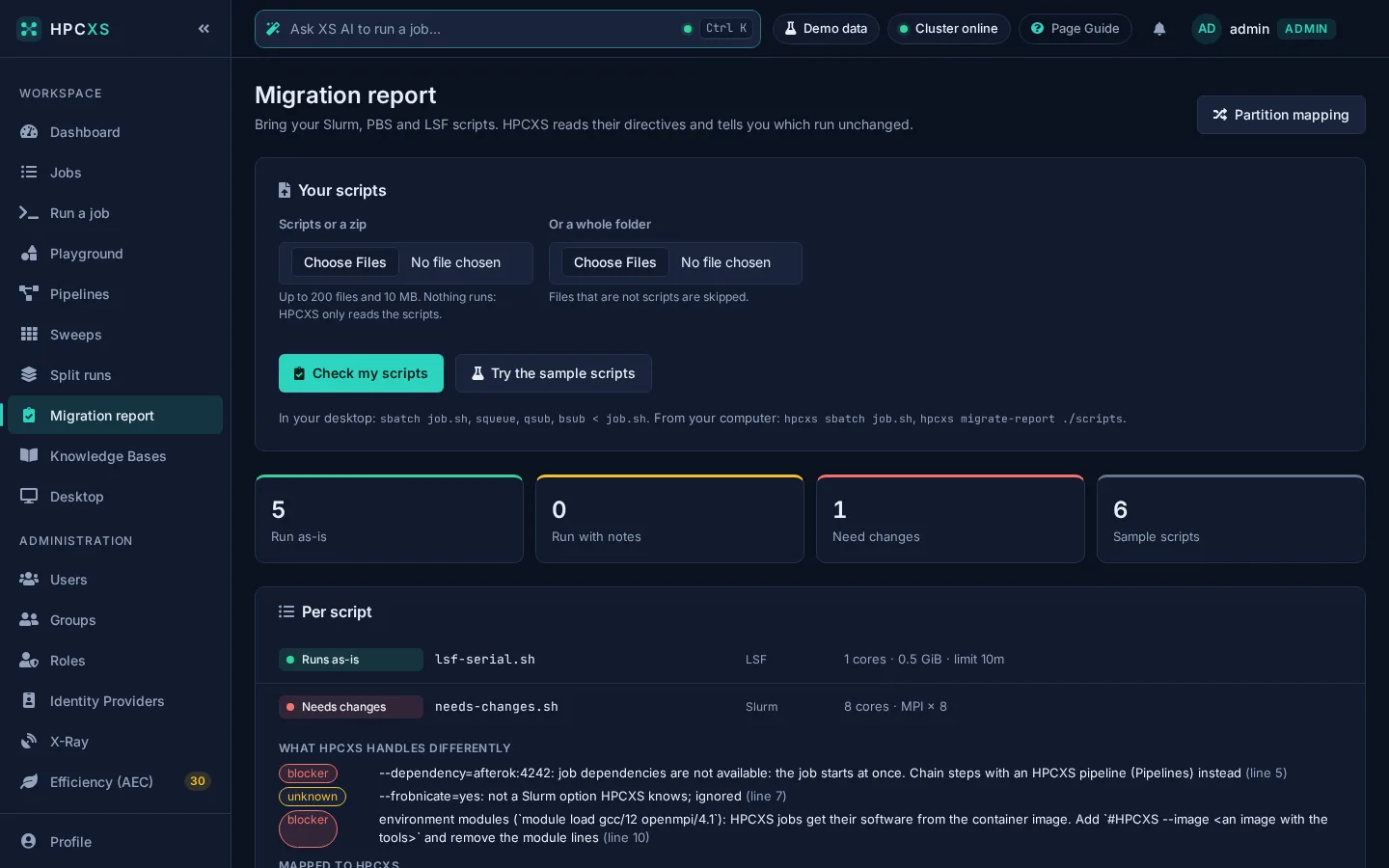
- Existing Slurm scripts keep running
Universities and research labs
Researchers and students
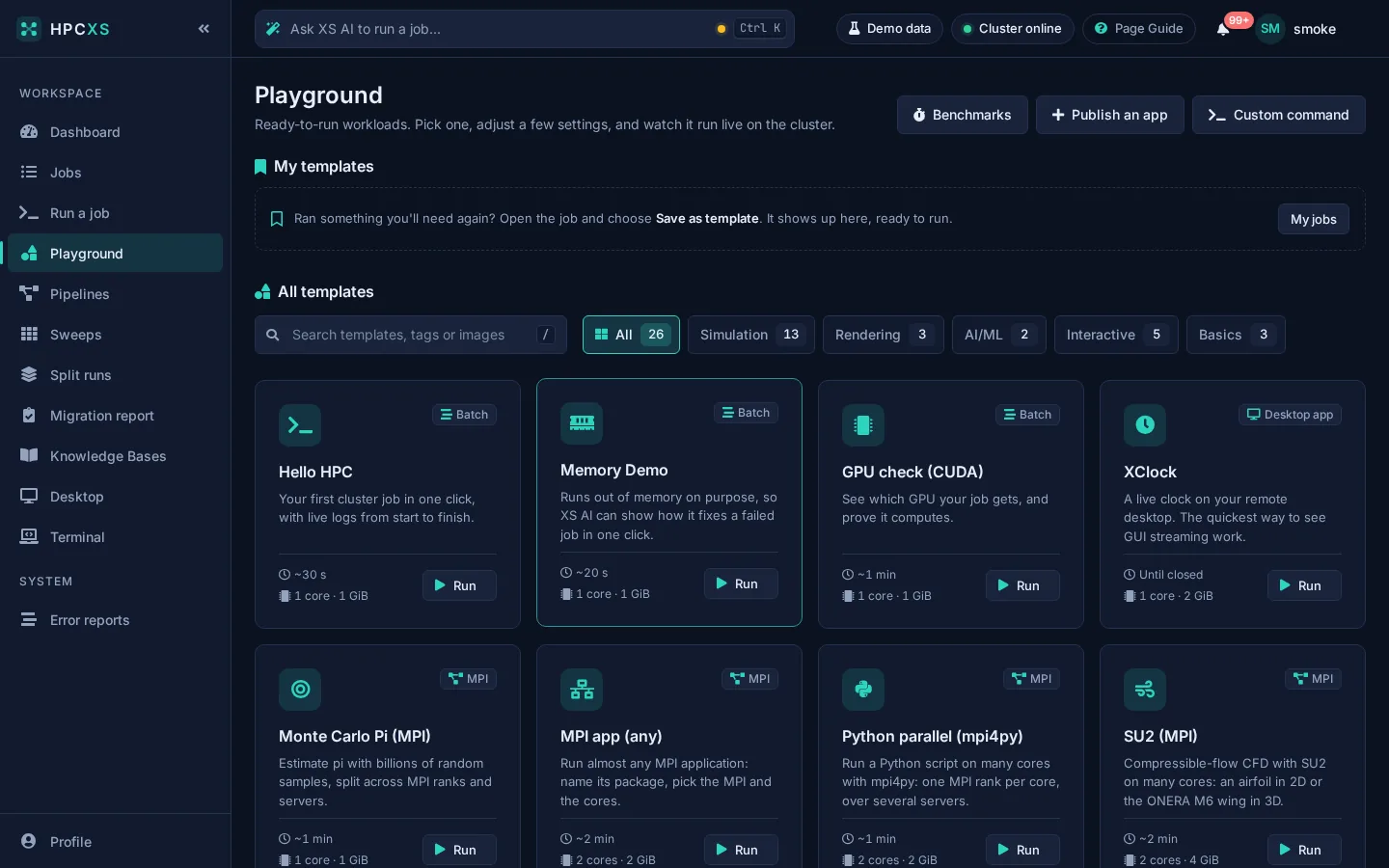
Sign in with the campus directory and get a desktop, a terminal, Jupyter and the Playground on day one.
- Per-group quotas, shared folders and projects with a shared core budget
- Ready templates for GROMACS, Quantum ESPRESSO and NWChem, plus a LAMMPS benchmark
- Knowledge Bases: XS AI answers from your own documents, with citations, on local models only
AI and data teams
AI teams with their own servers
A real queue and fair limits instead of SSH and a spreadsheet.
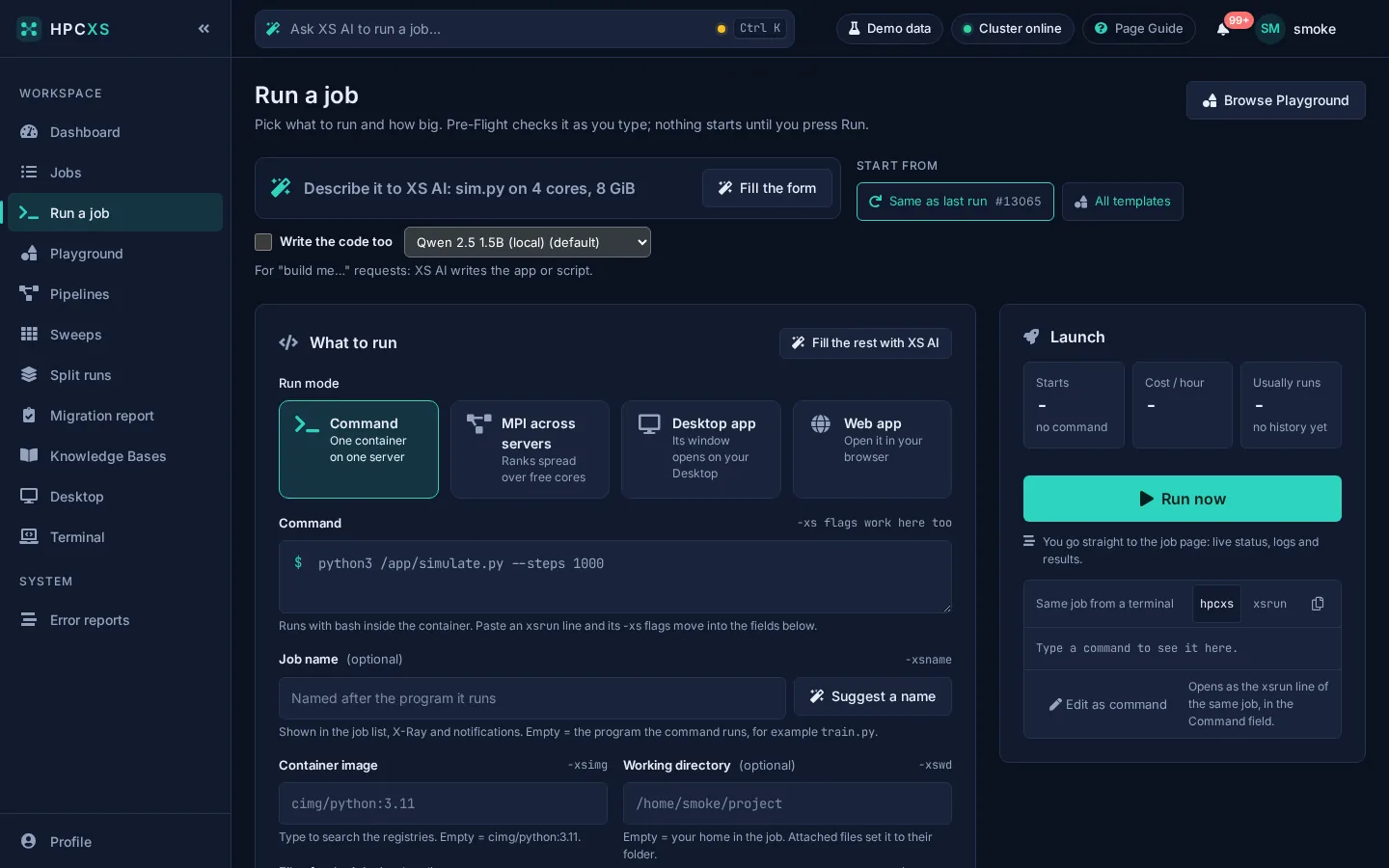
- Jupyter Lab as a web app, PyTorch training templates, any container image
- Research Memory: ask which run reached the best metric and clone it
IT managers
The people who run the cluster
Install in an afternoon, connect company sign-in, and see what the cluster is worth.
- One-command or browser install, also with no internet from an offline bundle; add servers with one line or over SSH from the portal
- Roles, quotas, audit log, Security Center
- Usage & ROI against public-cloud prices; efficiency and idle-power reports
See HPCXS on your own workload
A 30-minute call: we show the product live and look at what you run today. If it fits, we install a pilot on your servers.